How to Compress a PDF and Make It Smaller (Free, No Sign-Up)
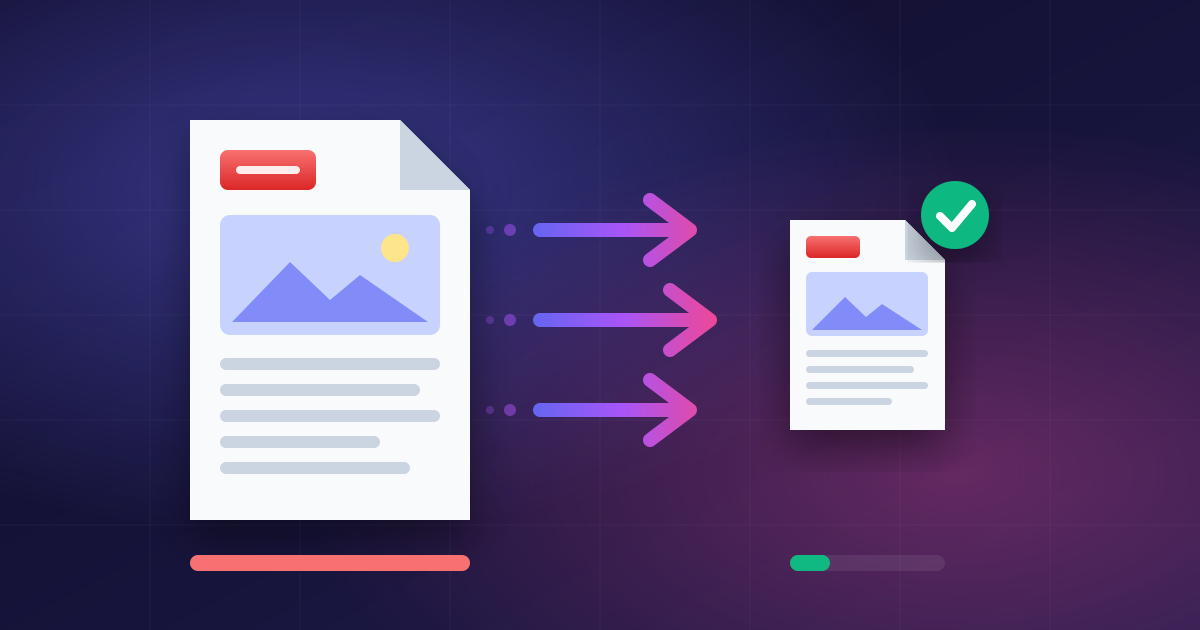
You found the job you wanted. You filled in every box. Then you tried to upload your CV, and the website said: “File too large. Maximum size 2 MB.” Sound familiar?
PDFs get big very easily, especially when they hold scanned pages or photos. The good news is that you can make almost any PDF much smaller in less than a minute, for free. This guide shows you how, step by step, with no tech words you need to look up.
Why is my PDF so big?
A PDF is like a folder that holds pages. If those pages are only typed text, the file stays small. But most big PDFs have one of these inside:
- Scanned pages: when you scan a paper or take a photo of it with your phone, every page becomes a big picture.
- Photos and images: a single phone photo can be 3 to 5 MB on its own.
- Very high quality settings: some scanners save at “print quality”, which is far more detail than a screen needs.
So a 10-page scanned document can easily reach 20 or 30 MB. That is far too big for most upload forms.
Quick tip: check the size first
On Windows, right-click the file and choose Properties. On a Mac, right-click and choose Get Info. On a phone, open the file in your Files app and look for its size. Now you know how much you need to cut.
How to compress a PDF online (the fastest way)
This works on any computer, tablet or phone, and you do not need to install anything.
- 1. Open the free Utified PDF Compressor in your browser.
- 2. Choose your PDF file.
- 3. Pick a level: “Recommended” is right for most people. Choose “Strong compression” if you need the smallest file.
- 4. Click Compress and wait a few seconds.
- 5. Download your new, smaller PDF. Check the size, and you are done.
Your file stays on your device
The Utified PDF Compressor works inside your browser. Your PDF is not uploaded to anyone, so it is safe to use for CVs, ID documents and bank papers.
How to make a PDF smaller on a Mac (built-in)
Every Mac has a hidden way to shrink PDFs. Open your PDF in Preview, click File, then Export. Next to “Quartz Filter”, choose “Reduce File Size”, then click Save. It is quick, but it can make scanned pages a little blurry, so check the result before you send it.
How to make a smaller PDF from Microsoft Word
If your PDF started as a Word document, you can save a smaller one straight from Word. Click File, then Save As, and pick PDF as the file type. Look for the option called “Minimum size (publishing online)” and select it before you save. This often cuts the size in half.
Still too big? Try these tricks
- Use a stronger level: move from “Recommended” to “Strong compression”.
- Remove pages you do not need: blank pages, covers and extra copies all add weight.
- Split the file: if the form allows more than one upload, send it in two parts.
- Scan again at a lower setting: 150 DPI in black and white is enough for most forms.
- Shrink photos before you make the PDF: smaller images mean a much smaller PDF.
Will compressing my PDF make it look bad?
Usually not. With the “Recommended” setting, most people cannot see any difference on screen. If you push it to the strongest level, text can look a little softer, but it is still easy to read.
One honest thing to know: strong compression turns each page into a picture. The page will look the same, but you may not be able to select or copy the text afterwards. So always keep your original file, and send the small one.
Quick answers
Is it free to compress a PDF? Yes. The Utified PDF Compressor is free, has no watermark and does not ask you to sign up.
How do I get my PDF under 1 MB or 200 KB? Start with “Strong compression”. If it is still too big, remove pages you do not need, or scan again in black and white at 150 DPI.
Can I compress a PDF on my phone? Yes. Open the PDF Compressor in your phone’s browser, choose the file from your phone, and download the smaller copy.
Is it safe to compress private documents? With a tool that runs in your browser, like Utified’s, your file never leaves your device. Avoid sites that make you upload sensitive papers to their servers.
Got a PDF that is too big? Make it smaller in a few seconds, free and private.
Open PDF CompressorTry it yourself